
From deposit to delivery
Track every collectible preorder
DuePair is an iPhone preorder tracker and order reminder for figures, BJD, character goods, Lolita fashion and proxy purchases. Keep deposits, balance payments and delivery follow-ups from different shops together, using dates you confirm.


Four-stage model
Four stages for every preorder
Four clear stages show where each preorder is now and what comes next.
- 01Deposit dueOpening, cutoff and first payment
- 02Balance dueBalance opening, cutoff or notice
- 03Awaiting deliveryExpected shipping or delivery
- 04ReceivedArchive after receipt; the record stays available


Screenshot to card
Recognize on device, confirm, then create
Choose an order, product-page or chat screenshot. DuePair extracts item, date and amount candidates on device; you confirm before creating the card.
- Choose screenshotPick an order screenshot from Photos.
- On-device recognitionExtract item, date and amount candidates.
- Review detailsConfirm the stage and recognized details.
- Create cardSave to keep tracking and receive reminders.


SMS and email recognition: see keyword monitoring in action →
Not automatic order import:No store login or automatic write-in. Update changed dates yourself.
Reminder system
Layer reminders around key dates
One free reminder per date, or up to four with Pro. See what is next on Home, widgets and Live Activities.
Multiple reminders for one date
Pro · Up to 4On-device reminders follow confirmed dates; Pro allows up to four per date.
Four Home views


Categories and folders
Two flexible ways to organize
Use categories for item types and folders for a set, group order or store.


Who it is for
Built for collectibles that take months to arrive
Long preorders, staged payments and shifting dates outgrow a to-do list. DuePair keeps each item’s current state and next action in view.
The long wait matters more than the fandom
Ideal for tracking several collectible preorders and remembering deposits, balances and delivery dates.

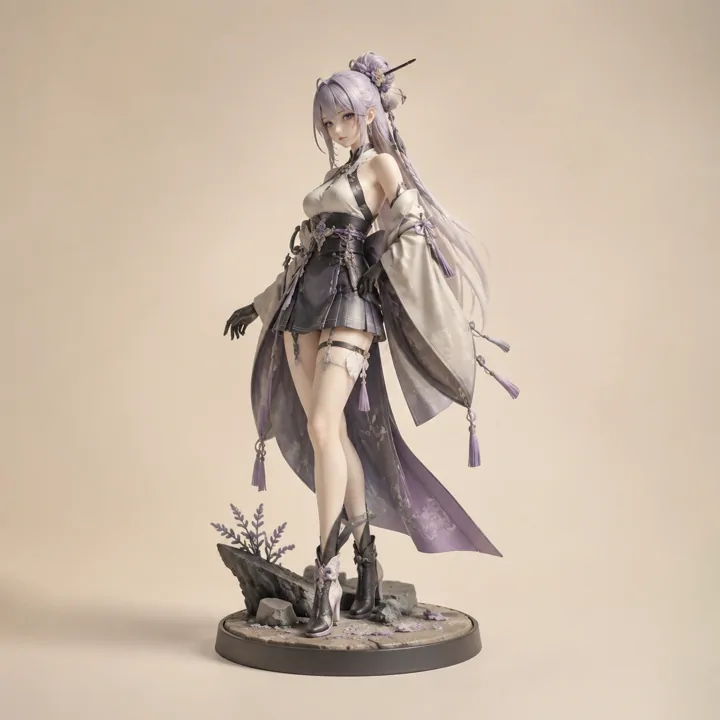
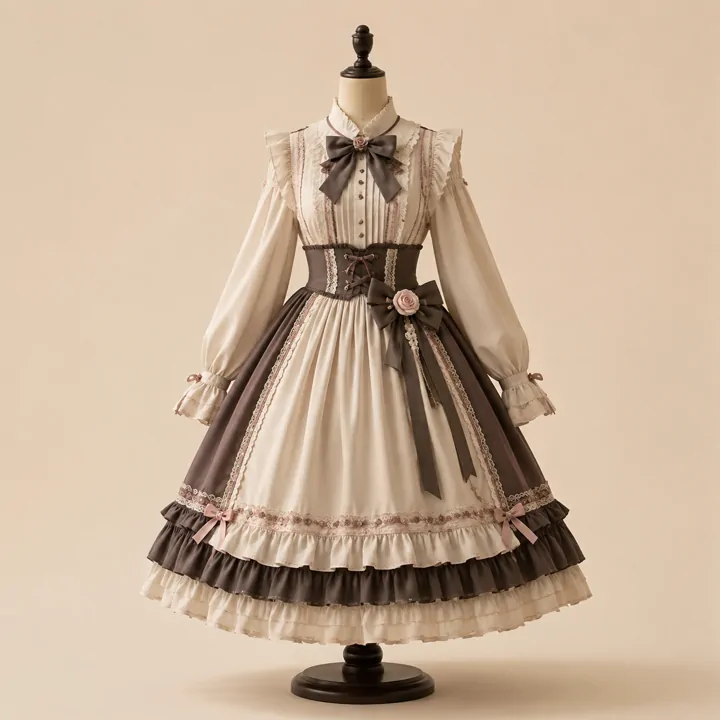
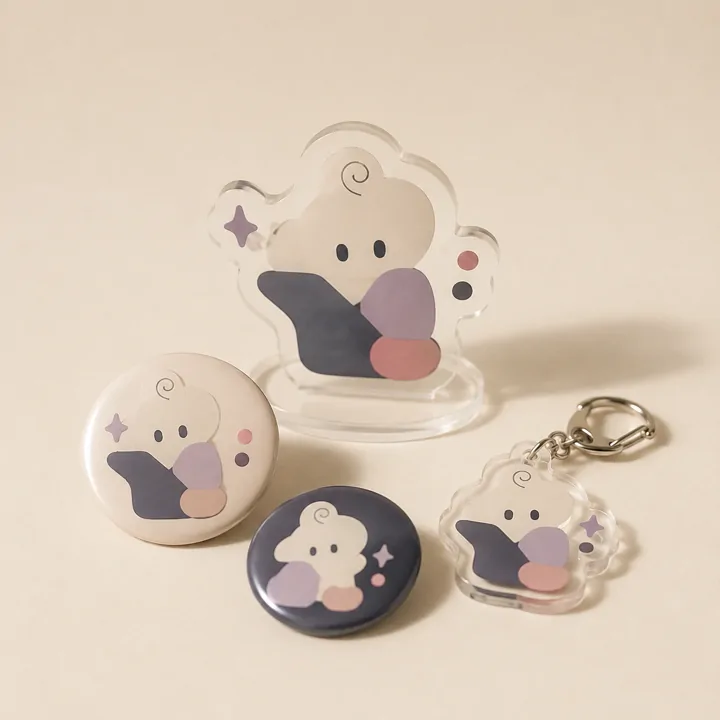


Concept images · AI-generated · Unbranded items
Best for:Items that span weeks or months, use staged payments, or overlap with other orders.
Not for:Automatic order import, shipment tracking, teamwork or accounting.
Three approaches
How well does each approach solve the real problem?
Saving a preorder is only the start. No tool, a spreadsheet and DuePair support the next action very differently.
Each row compares no tool, a general spreadsheet and DuePair
| Real problem | No tool | General spreadsheet | DuePair support and limits |
|---|---|---|---|
| Confirmed payment dates | Check the original notice yourself | Record dates; configure reminders separately | Set on-device reminders for confirmed dates; no payment processing |
| Next action across orders | Open each order separately | Maintain fields, filters and status yourself | Organize four stages; you confirm status changes |
| Information in screenshots | Save the image and check it later | Organize manually or use a separate recognition tool | Recognize candidates on device; confirm before creating a card |
| Seller delays and refunds | Verify and contact the original seller | Update records yourself; does not decide refunds | Update dates and reminders yourself; no seller sync |
Confirm dates, set reminders, and pay through the original channel. This table describes workflow responsibilities, not benchmark scores.
FAQ
Common questions about DuePair
Do I need an account? Where is my data stored?
Is it a subscription? What does it cost?
Does DuePair sync store orders or seller updates automatically?
How do Live Activities start, and what appears on the Lock Screen?
Can I group one preorder batch or store together?
Can I share preorder details from a webpage or chat to Drafts?
Does screenshot recognition upload my images?
Which items appear in periodic briefs?

Track your next preorder
Track up to six unarchived items free. Pro is a one-time purchase.